

Why Do Insurers Require MFA From Businesses?
A stolen password can turn into a six-figure loss faster than most businesses expect. An employee enters credentials into a phishing page, an attacker accesses email or a remote system, and the incident spreads into fraudulent payments, data theft, ransomware, or all three. That is why do insurers require MFA as part of many cyber insurance applications and renewal conditions: it is one of the most effective controls for reducing a common and costly path into an organization.
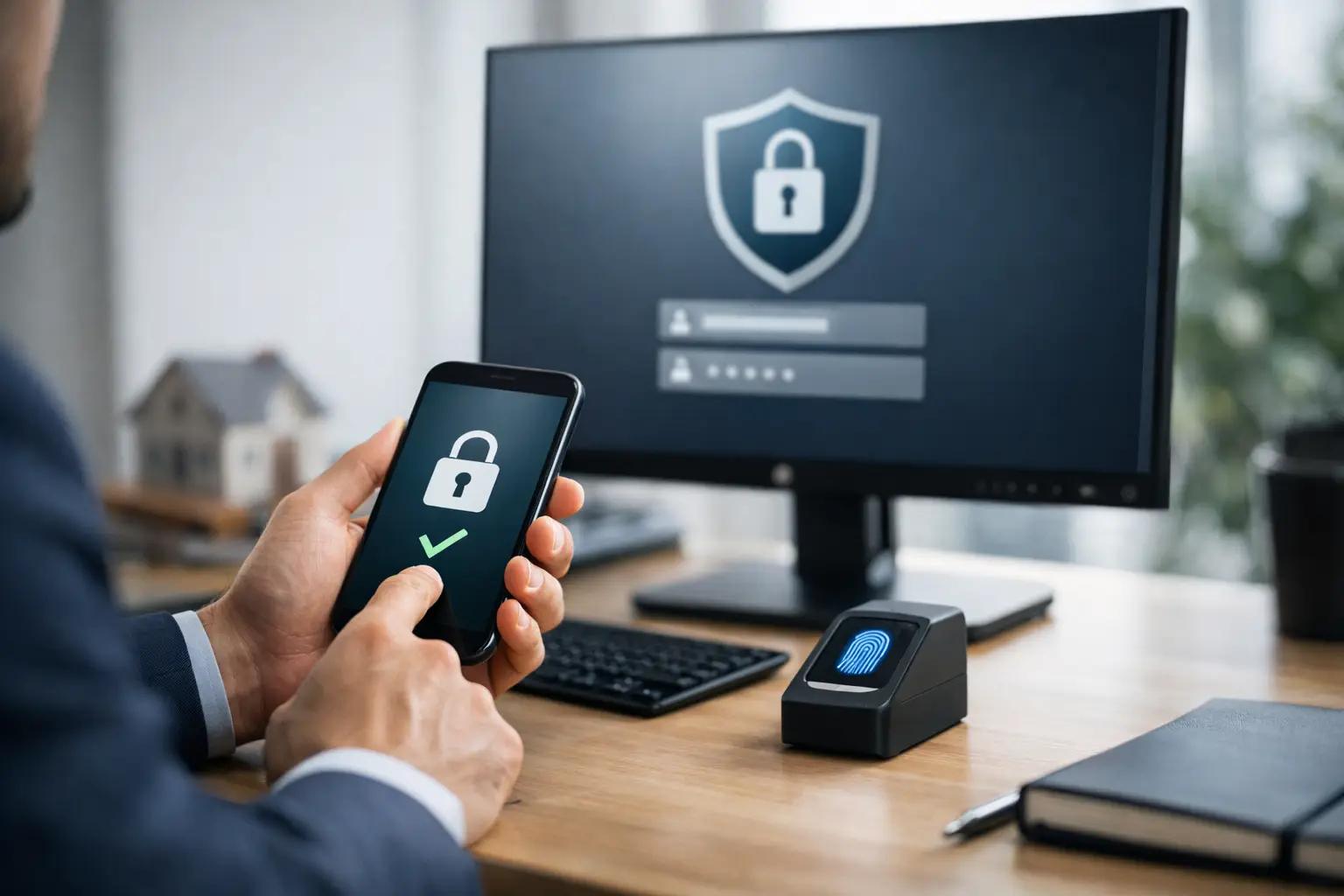
Multi-factor authentication, or MFA, requires users to provide more than a password before accessing an account or system. The additional factor may be an authenticator app approval, a hardware security key, a biometric check, or a time-based code. For insurers, MFA is not simply an IT preference. It is evidence that a business has taken a practical step to limit preventable losses.
Why Do Insurers Require MFA?
Cyber insurers evaluate the likelihood and potential cost of a claim. They do not expect every applicant to operate like a large enterprise, but they do look for controls that meaningfully reduce exposure. MFA meets that standard because compromised passwords remain one of the most frequent causes of cyber incidents.
Passwords can be guessed, reused, purchased from criminal marketplaces, captured through phishing, or exposed in a third-party breach. Without MFA, a valid password may be enough for an attacker to enter Microsoft 365, Google Workspace, a virtual private network, a cloud management portal, or a remote desktop service. Those systems often contain sensitive client data, financial records, backups, and administrative access.
With MFA in place, the attacker generally needs a second proof of identity. That does not make a business immune to attack, but it substantially raises the difficulty of using stolen credentials. From an underwriting perspective, this lowers the probability that a simple phishing email becomes a major claim.
Insurers also require MFA because it helps control the severity of an incident. An attacker who cannot access email may be unable to impersonate executives, redirect vendor payments, distribute malicious links internally, or reset credentials for other systems. Limiting that first foothold can prevent a contained event from becoming a business interruption, privacy, and extortion claim at the same time.
MFA Is Closely Tied to Ransomware Risk
Ransomware is not only a file-encryption problem. Many ransomware groups first gain access through exposed remote services, stolen credentials, or compromised administrator accounts. They may remain inside a network long enough to identify valuable systems, disable security tools, steal data, and locate backups before encryption begins.
MFA reduces risk at several critical access points, especially remote access, cloud email, privileged accounts, and administrative portals. If an employee works remotely, uses cloud applications, or accesses company systems from multiple locations, MFA is often a baseline expectation rather than an optional enhancement.
This is why cyber insurance applications increasingly ask detailed questions. They may ask whether MFA is enabled for all employees, whether it protects remote access and email, and whether administrator accounts use stronger authentication methods. A business that answers yes in a general sense but has exceptions for executives, legacy applications, or IT administrators may still have a material coverage and underwriting issue.
The practical lesson is straightforward: MFA must protect the systems that could lead to a serious loss, not merely a small portion of the user base.
What Insurers Usually Expect MFA to Cover
Requirements vary by carrier, industry, revenue, claims history, and the type of data an organization handles. Still, insurers commonly expect MFA on the access points most likely to be targeted.
Email and Collaboration Platforms
Business email is a high-value target because it supports password resets, invoice fraud, executive impersonation, and access to confidential communications. MFA should be enforced for email and collaboration accounts, including administrators and shared-access workflows where applicable.
Remote Access and VPNs
Any technology that allows access to internal systems from outside the organization deserves close attention. This includes VPNs, remote desktop tools, remote management platforms, and cloud-based administrative consoles. Exposed remote access without MFA is a significant concern for many underwriters.
Privileged and Administrative Accounts
Administrator credentials can change configurations, create new users, disable security controls, and access sensitive information. MFA for privileged accounts should be treated as mandatory. Where possible, businesses should also separate administrative accounts from standard daily-use accounts to reduce unnecessary exposure.
Cloud and Critical Business Applications
Accounting platforms, payroll systems, customer relationship management tools, file storage, backups, and cloud infrastructure can all create financial or operational damage if accessed by an attacker. The priority should be based on business impact. If compromise of an application could expose client data, trigger fraudulent transfers, interrupt operations, or enable broader access, MFA should be part of its protection plan.
MFA Is Not a Box-Checking Exercise
A company can have MFA enabled and still have gaps. For example, a business may protect employee email but leave a remote access tool unprotected. It may require MFA for standard users but exclude service accounts or administrators. It may allow SMS text-message codes even where phishing-resistant methods are available for highly privileged users.
Not every environment can adopt the same authentication method immediately. Older applications, operational technology, shared workstations, and third-party integrations can create implementation challenges. Insurers recognize that technical environments differ, but they will expect a documented plan for reducing exceptions and compensating for legacy limitations.
For stronger protection, authenticator applications and hardware security keys are generally preferable to SMS-based codes. SMS is better than password-only access, but it can be vulnerable to SIM-swapping and social engineering. A business handling highly sensitive data or relying heavily on cloud administration should consider phishing-resistant MFA for privileged users.
MFA fatigue is another concern. Attackers may repeatedly send approval requests in the hope that a distracted user accepts one. Number matching, context-aware prompts, user training, and conditional access policies can reduce this risk. Security controls work best when they are configured for real threats rather than installed and forgotten.
How MFA Affects Cyber Insurance Coverage and Claims
MFA can affect whether a carrier offers a quote, the premium and retention offered, and the policy terms attached to coverage. In some cases, a carrier may decline an applicant that does not have MFA on email, remote access, and privileged accounts. In others, the insurer may offer coverage subject to a remediation requirement.
Accuracy on the insurance application is essential. If an organization represents that MFA is fully deployed but a claim later reveals that a critical system was excluded, the insurer may investigate whether the application response was incomplete or inaccurate. That does not mean every technical imperfection automatically voids coverage. Claims decisions depend on policy language, the facts of the incident, applicable law, and the relationship between the stated control and the loss. However, inaccurate security representations create avoidable uncertainty at the worst possible moment.
Business leaders should therefore avoid treating the application as a form to complete without IT input. The person responsible for insurance, finance, compliance, and technology should align on the answers. A short internal review of MFA coverage can prevent a misleading response and expose security gaps before an attacker or underwriter does.
A Practical Approach to Meeting MFA Requirements
Start by identifying every system that provides remote, cloud, or administrative access. Confirm which users have access, whether MFA is enforced rather than optional, and what exceptions exist. Pay particular attention to email, VPNs, remote desktop services, firewall and cloud portals, backup platforms, and administrator accounts.
Next, test the configuration. It is not enough to see that an MFA feature is available in a software subscription. Verify that new accounts are enrolled, former employees are removed, conditional access rules are applied correctly, and administrative accounts cannot bypass the requirement. Document the results so your organization can support insurance application responses and renewal discussions.
Then address the surrounding controls. MFA is much more effective when combined with endpoint detection and response, email security, network monitoring, protected backups, timely patching, employee awareness training, and an incident response plan. Cyber insurance is designed to transfer part of the financial risk, but it does not replace the controls that reduce the chance and impact of an incident.
For organizations that need both technical remediation and guidance on insurance requirements, InsureCyberSec can help connect cybersecurity priorities with cyber insurance readiness. The goal is not to add controls for their own sake. It is to protect the systems, data, and operations that keep the business running.
MFA is a practical sign of security discipline: it shows that your organization understands how attacks commonly begin and has acted to make unauthorized access harder. That preparation can strengthen an insurance application, but more importantly, it can stop a stolen password from becoming a crisis.
FAQ
1. Why do insurers require MFA for cyber insurance?
Because MFA dramatically reduces incidents caused by compromised passwords, one of the most common and costly claim triggers. “Compromised passwords remain one of the most frequent causes of cyber incidents.”
2. How does MFA reduce ransomware exposure?
By protecting email, remote access, admin accounts, and cloud portals, which attackers often use to gain initial foothold.
3. Which systems do insurers expect MFA to cover?
Email platforms, VPN/remote access, privileged accounts, cloud applications, and any system whose compromise could cause financial or operational damage.
4. Why isn’t MFA just a box‑checking exercise?
Because partial deployment (e.g., excluding admins or remote access) leaves material gaps that can affect underwriting and claims.
5. How does MFA affect cyber insurance terms and claims?
Lack of MFA may lead to declined quotes, higher premiums, or remediation requirements. Incorrect application answers create avoidable uncertainty during claims.
Author: Yavor Zlatev
LinkedIn: https://www.linkedin.com/in/yavor-y-zlatev-1a9b817