

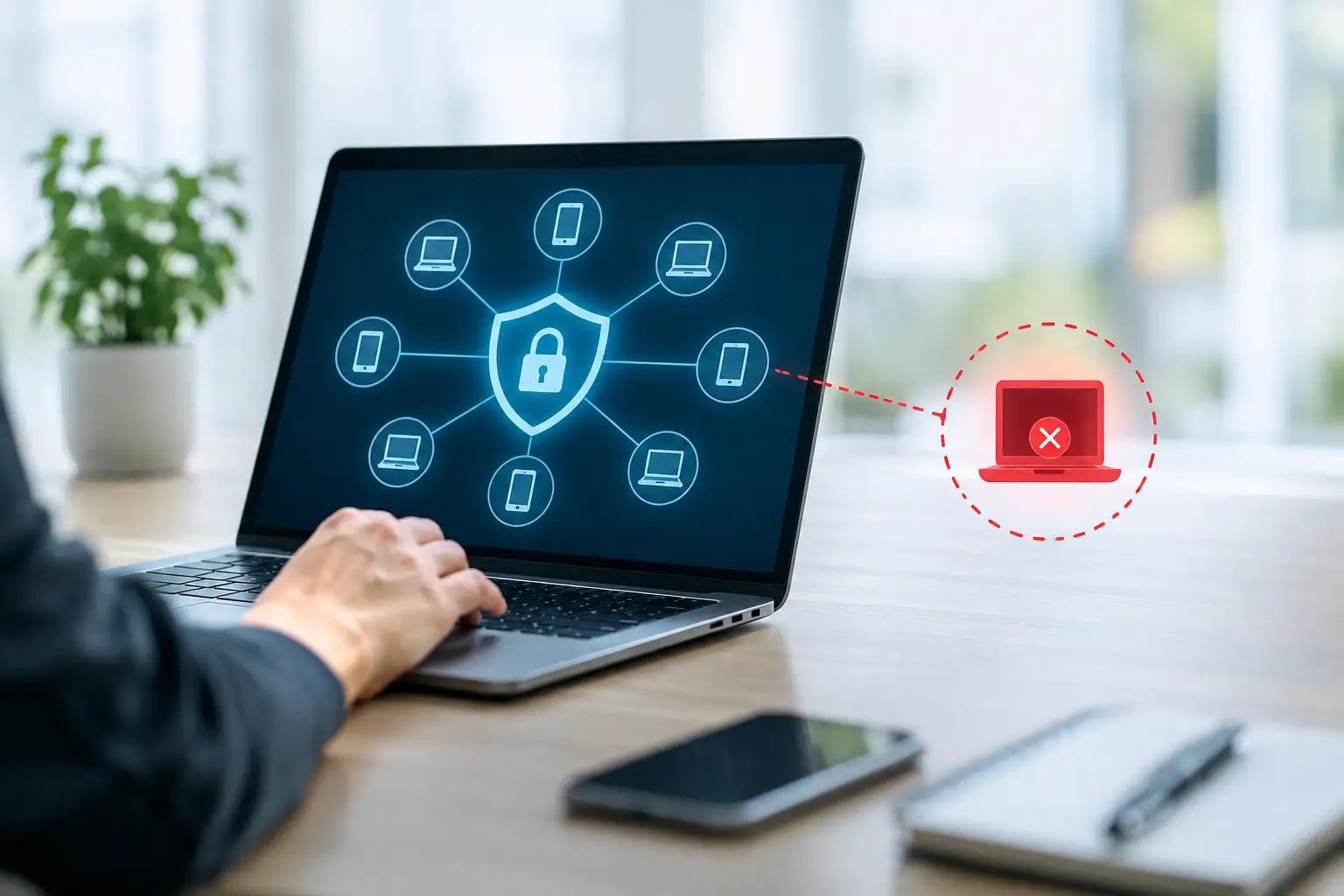
How to Isolate Compromised Devices Safely
A suspicious login, unexpected encryption activity, or an endpoint security alert can become a business-wide incident in minutes. Knowing how to isolate compromised devices gives your organization time to stop an attacker’s movement, protect sensitive data, and preserve the evidence needed for recovery, regulatory decisions, and a possible insurance claim.
Isolation is not the same as shutting everything down. The objective is to cut off an affected device from systems it could damage while retaining enough access for authorized responders to investigate. The right approach depends on the threat, the device’s role, and whether the incident is still active.
How to Isolate Compromised Devices Without Worsening the Incident
The first priority is containment. A compromised laptop, server, virtual machine, mobile device, or network appliance may be communicating with an attacker, spreading malware, collecting credentials, or encrypting shared files. Every additional minute it remains connected can increase operational disruption and financial exposure.
Start by confirming the alert through your security team, managed detection provider, or trusted IT partner. Do not wait for absolute certainty if there are clear indicators of compromise, such as ransomware notes, unusual administrator accounts, unauthorized remote access tools, repeated failed logins, or unexplained outbound traffic. It is usually safer to contain first and investigate immediately afterward.
For a standard employee workstation, disconnect the device from the corporate network by removing its Ethernet cable, disabling Wi-Fi, and disconnecting from virtual private network access. If your endpoint detection and response platform supports host isolation, use that capability. EDR isolation generally blocks network communications while preserving a limited management channel for the security team. That makes it preferable to simply turning off the machine in many cases.
For servers and critical infrastructure, containment requires more care. Disconnecting a production server without assessing dependencies may interrupt customer services, payment processing, manufacturing, or safety-related operations. Work with system owners to isolate the server using firewall rules, network access controls, security groups, or a dedicated quarantine network. Restrict inbound and outbound connections to only the access needed for incident response.
Do not allow users to reconnect a device because it appears to be working normally. Many compromises have no visible symptoms. A device should remain isolated until responders understand the cause, scope, and appropriate remediation steps.
When Not to Power Off a Device
Turning off a compromised device may seem like the fastest containment measure, but it can erase volatile evidence. Memory may contain malicious processes, encryption keys, active network connections, logged-in accounts, and other details that help investigators determine what happened.
Keep the device powered on but disconnected when possible, particularly in suspected ransomware, business email compromise, insider threat, or advanced intrusion cases. Your incident response team can capture memory and collect relevant logs before rebuilding or restoring the system.
There are exceptions. If a device is causing immediate physical risk, actively encrypting a large volume of business-critical files, or creating an operational emergency, rapid shutdown may be justified. Document who made the decision, when it was made, and what was observed. Those details are useful for both technical investigation and insurance reporting.
Contain the Identity, Not Just the Device
A compromised endpoint is often only one part of the incident. Attackers commonly use stolen passwords, session tokens, privileged accounts, cloud applications, and remote management tools to move beyond the original device. Isolating the machine without addressing identity access can leave the attacker inside your environment.
Reset passwords for affected users and immediately disable accounts that show suspicious activity. Revoke active sessions for email, cloud storage, customer relationship platforms, administrative portals, and remote access services. Require multifactor authentication where it is not already enforced, with special attention to administrator and finance accounts.
Review privileged access carefully. If a compromised device was used by an administrator, assume that administrative credentials may have been exposed until proven otherwise. Rotate passwords, review recent permission changes, and examine newly created accounts. Limit privileged access to only the people actively supporting response and recovery.
Email deserves particular attention. A compromised mailbox can be used to send fraudulent invoices, redirect payments, distribute malicious links, or impersonate executives. Disable forwarding rules, review mailbox delegation, inspect sent items, and alert finance teams before they act on unusual payment requests.
Separate Affected Systems From Clean Systems
Effective isolation is a network and business process, not a single click. Your response team should identify which systems communicated with the suspected device and which assets share credentials, applications, storage, or administrative tools with it.
Segment the environment into practical zones. Keep affected devices in quarantine, protect business-critical systems behind restrictive firewall rules, and maintain a clean management path for authorized responders. Shared drives, backup systems, domain controllers, cloud tenants, and remote access gateways should be evaluated early because they can enable rapid spread.
Consider these containment actions when the evidence supports them:
- Block known malicious IP addresses, domains, hashes, and indicators of compromise at the firewall, DNS, email gateway, and endpoint layers.
- Disable unnecessary remote desktop, remote management, and VPN access until accounts and logs have been reviewed.
- Temporarily restrict access to file shares and shared cloud folders if ransomware or unusual bulk file activity is suspected.
- Place affected virtual machines in isolated network segments and review snapshots before reverting to them.
- Verify that backups are protected from alteration, deletion, and unauthorized access before using them for recovery.
Avoid broad changes that create unnecessary downtime without a clear purpose. Blocking all internet access or disabling every user account may be appropriate in a rapidly spreading attack, but it can also stop essential operations. The decision should reflect the speed of the threat, the sensitivity of the data involved, and the availability of reliable security evidence.
Preserve Evidence and Maintain an Incident Record
Containment should not prevent investigation. Preserve relevant logs from endpoints, firewalls, identity providers, email platforms, cloud services, and backup systems. Record device names, IP addresses, assigned users, alert timestamps, actions taken, and the individuals who approved those actions.
A clear incident record protects the organization in several ways. It helps responders identify the initial access point and affected data, supports defensible regulatory notifications, and demonstrates that the organization acted reasonably. It also gives insurers, legal counsel, and forensic partners the factual timeline they need to assess the event.
Do not wipe or reimage a device before your incident response lead approves it, unless immediate safety or severe business disruption requires action. Reimaging may be necessary, but doing it too early can destroy evidence of persistence, data access, or attacker activity.
If personal information, protected health information, payment data, or confidential customer records may be involved, bring in legal and privacy stakeholders early. Notification duties vary by jurisdiction, contract, and the nature of the data. Technical containment and legal review should proceed together rather than in separate tracks.
Coordinate Cyber Insurance and Incident Response Early
Cyber insurance can help fund forensic investigation, legal counsel, notification services, business interruption losses, recovery costs, and certain liability claims, depending on policy terms. However, insurance is not a substitute for containment. Coverage decisions and claim handling can be affected by delayed reporting, unauthorized remediation costs, or failure to follow policy conditions.
Notify your broker or carrier as soon as an incident may meet your policy’s reporting threshold. Ask whether the carrier requires specific breach counsel, forensics firms, ransomware negotiators, or public relations support. Using an approved response panel can be a policy requirement, and early coordination can prevent avoidable disputes later.
Keep communications accurate and limited to verified facts. Avoid speculating about the attacker, the number of affected records, or the ultimate financial impact before the investigation supports those conclusions. A disciplined response protects both operational decision-making and the organization’s ability to manage a claim.
InsureCyberSec helps organizations connect technical security measures with cyber insurance preparedness, so containment procedures, response contacts, and coverage expectations are considered before an emergency occurs.
Recover Only After the Threat Is Removed
A device is ready to return to service only when responders have established that the threat has been removed. This may require a full rebuild from a known-good image, patching exploited vulnerabilities, removing unauthorized tools, rotating credentials, and restoring validated data from protected backups.
Before reconnecting systems, verify endpoint protection is active, operating system and application updates are current, and monitoring is collecting telemetry. Review network rules and account permissions that may have been changed during the incident. Test restored services in a controlled manner before opening them to the wider network.
The most useful closing step is to turn the incident into a practical improvement plan. Test isolation procedures, define who has authority to disconnect critical systems, maintain current asset inventories, and confirm that IT, leadership, legal, and insurance contacts can reach each other quickly. When the next alert arrives, clarity in the first hour can protect far more than a single device.
FAQ
1. What does it mean to isolate a compromised device?
Isolating a compromised device means restricting its network access to prevent malware spread, unauthorized access, or lateral movement while preserving the ability to investigate and remediate the incident.
2. When should a compromised device be isolated?
A device should be isolated immediately when there are credible indicators of compromise, such as ransomware activity, suspicious logins, unauthorized remote access, unusual administrator accounts, or unexplained outbound traffic.
3. Should you power off a compromised device after detecting a cyber incident?
Not necessarily. Powering off a device may destroy valuable volatile evidence stored in memory. In most situations, keeping the device powered on but disconnected from the network is the preferred approach.
4. What are the best practices for isolating an infected computer?
Best practices include disconnecting Wi-Fi and VPN access, unplugging Ethernet connections, using EDR host isolation, blocking malicious IP addresses, and restricting access to critical systems and shared resources.
5. Why is identity protection important during a cybersecurity incident?
Attackers often use stolen credentials and active sessions to move through an environment. Resetting passwords, disabling suspicious accounts, and enforcing multi-factor authentication help stop unauthorized access.
Author: Alexander Boychev
LinkedIn: https://www.linkedin.com/in/alexander-boychev/